

Your home office printer should be quiet, fit on a crowded desk and connect to your laptop without a call to IT. The best Xerox printers for work from home are the B230, B225 and B235 for black-and-white work, and the C230 and C235 for color. Xerox designed both families for remote workspaces and small teams, so setup takes minutes, not an afternoon.
At Clear Choice Technical Services, we install and service Xerox equipment for businesses and their remote staff. Below, we compare each model, explain who it suits and answer the questions remote workers ask us most.
TL;DR: The best Xerox printers for work from home are the B230, B235, B310, B315, C230, C235, C310, and C315. The B-Series models are monochrome laser printers built for fast, low-cost black and white documents. The C-Series models are color laser printers designed for presentations, marketing materials, and client-facing visuals. All of them offer a compact footprint, built-in Wi-Fi, mobile printing, quiet operation, and a lower cost per page than typical inkjet alternatives.
Key Takeaways
- The Xerox B230 and B310 are the best compact black and white laser printers for work-from-home users who print mostly text – the B230 handles lighter loads while the B310 supports up to 80,000 pages per month at 42 ppm.
- The Xerox B235 and B315 are the best Xerox wireless printers for remote workers who need an all in one printer with scan, copy, fax, and Wi-Fi Direct support.
- The Xerox C230 and C310 deliver professional color printing without the clogged-nozzle headaches of an inkjet printer, making them well suited for consultants, marketers, and educators.
- Choosing between a print-only unit and an all in one depends on whether you regularly scan signed contracts or receipts – if you do, the added cost and space of a multifunction printer pays for itself quickly.
- Xerox integrates multi-layer security protocols into their printers, including TLS 1.3, secure print release, and firmware signing – features that matter when sensitive documents travel over home Wi-Fi.
- Clear Choice Technical Services can help you choose, lease, or support any of these devices with managed print services and remote IT support, even for a single home office.
Why Home Offices Need Better Than Basic Inkjets
Your corporate office had a floor printer that just worked. Now you’re at a kitchen table with a consumer inkjet that hasn’t printed a clean page since March. Ink cartridges dry out between uses, inkjet cartridges cost a fortune to replace, and the thing jams if you look at it wrong. That’s why the best Xerox printers for work from home – models like the Xerox B230 home printer and the Xerox C230 color printer – exist.
Laser printers use toner instead of liquid ink, so the cartridges don’t dry out during a two-week vacation. They produce sharp text at fast print speeds and cost less per page over time. Xerox offers award-winning laser printers for home offices across two product lines: the B Series for monochrome work and the C Series for color. Compact laser printers suit remote work and home offices, and remote office printers enhance productivity for distributed teams—while larger office-class devices, such as Lexmark MB and MX series machines, typically rely on dedicated Lexmark service manuals for troubleshooting and maintenance. Xerox printers are designed for easy setup and maintenance – no IT department required.
Clear Choice Technical Services helps remote workers and small businesses pick, lease, and maintain the right device without the guesswork, and our copier repair, sales, and leasing services scale from single home offices to multi-site enterprises.
What Features Matter Most in a Work‑From‑Home Printer?
A good home office printer needs five things: a compact footprint that fits on a shelf, quiet operation that won’t interrupt video calls, strong wireless connectivity, simple setup software, and built-in security for sensitive documents. Get those right, and everything else is a bonus.
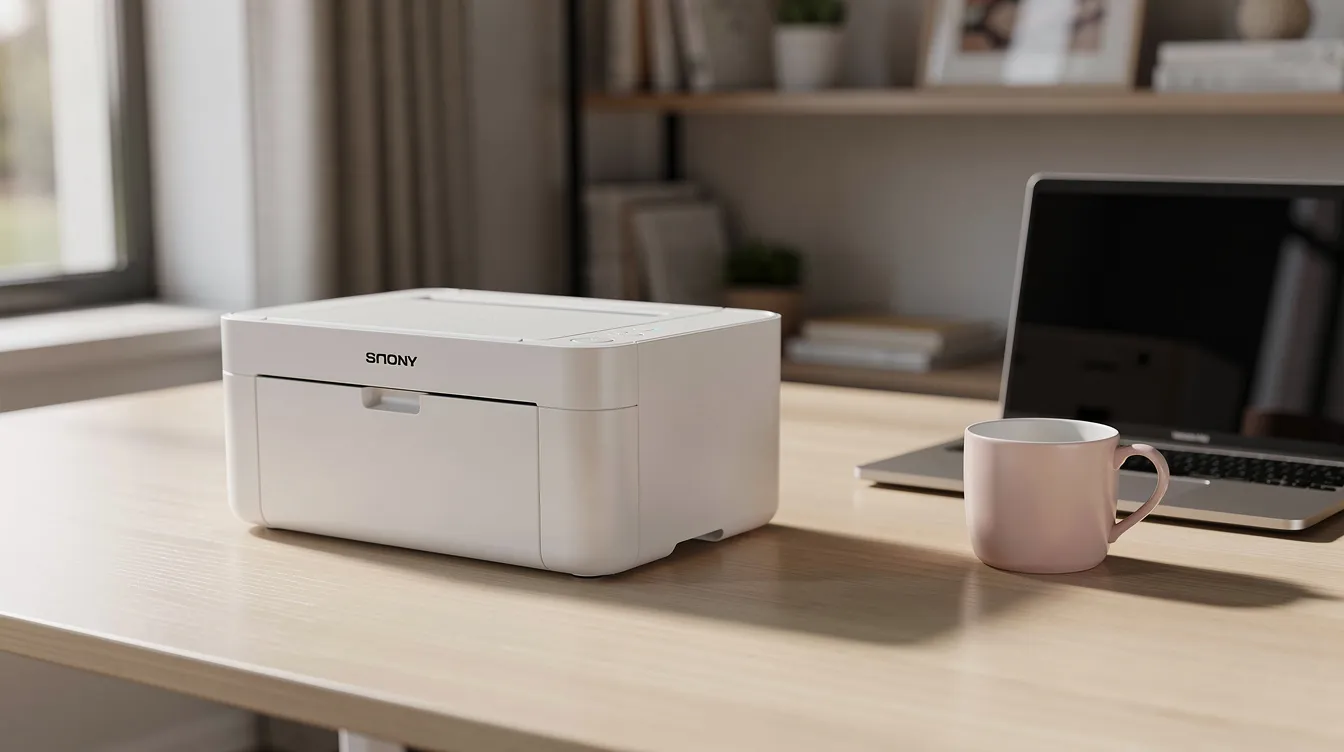
Size and noise. The Xerox B230 weighs about 15 pounds and measures roughly 9.1 × 14.0 × 13.1 inches – small enough for a bookshelf. During printing, it runs at about 53 dBA, and in ready mode it drops to around 16 dBA, which is quieter than a whisper. A compact footprint is essential for remote office setups in limited spaces.
Wireless and mobile printing. Most remote office printers have built-in Wi-Fi capabilities, and every current Xerox B and C model supports Wi-Fi Direct, Apple AirPrint, and Mopria. You can print directly from a phone or personal laptop without joining a corporate domain. Connectivity options like Wi-Fi and mobile compatibility enhance usability across devices.
Security. Xerox integrates multi-layer security protocols – TLS 1.3 encryption, digitally signed firmware, non-volatile memory wipe, and protected USB ports. That matters when you’re printing client contracts over a home router.
Zero-IT setup. Remote office printers are designed for easy setup and maintenance. Xerox Smart Start software walks you through installation in minutes. No driver hunting. No command-line nonsense.
Before you buy, check these specs on any home office printer:
- Noise level in dBA (lower is better for shared spaces)
- Standard paper tray capacity (250 sheets keeps refills rare)
- Print speed in ppm for your typical workload
- Wi-Fi capabilities and mobile printing support
How Do Xerox B‑Series and C‑Series Printers Differ?
Xerox B-Series printers are monochrome laser printers and MFPs built for black and white documents. Xerox C-Series printers are color laser devices designed for visuals, presentations, and client-facing work. Choosing between monochrome and color printers impacts ongoing costs and functionality.
A laser printer fuses dry toner powder to paper using heat, unlike an inkjet printer that sprays liquid ink through tiny nozzles. A print-only model handles just that – printing. An all in one printer (also called a multifunction printer or MFP) can print, copy, scan, and fax from a single device.
B-Series models are the go-to for text-heavy, cost-sensitive remote workers in legal, finance, or writing roles. Monochrome laser printers provide low cost-per-page and fast speeds, which is exactly what these users need. C-Series models serve marketers, designers, consultants, and educators where color documents drive the work. Color laser printers are ideal for marketing materials and presentations.
Both lines include compact home office printers with many advantages over bulky office copiers or regular inkjets; by contrast, some larger enterprise devices, like Lexmark CX and MC series units, demand detailed Lexmark service and parts documentation when they need repair. Up next: the specific models – B230, B235, B310, B315, C230, C235, C310, and C315 – broken down by use case.
Which Xerox Monochrome Printers Are Best for Work‑From‑Home?
The Xerox B230 and B310 are the best compact print-only monochrome options. The B230 is ideal for lighter daily workloads, while the B310 handles heavier volume with a sturdier duty cycle.
Xerox B230. This ultra-compact mono laser printer runs at up to 34 ppm on A4, includes automatic duplex (double sided printing standard), and fits on a shelf. Its duty cycle tops out at about 30,000 pages per month. For a budget-conscious remote worker who prints contracts, reports, and emails daily, this is the sweet spot.
Xerox B310. Faster at roughly 40 ppm on A4, with a maximum duty cycle of 80,000 pages per month and a recommended monthly use around 6,000 pages. First page out in about 5.2 seconds. If you’re a freelancer or running a small business from home and printing large quantities of text, the B310 handles it without breaking a sweat.
The best Xerox black and white laser printer for work from home depends on volume: B230 for typical daily use, B310 for high volume printing needs. Both support mobile printing and Wi-Fi Direct.
For context, competitors like the Brother HL-L3220CDW print at up to 19 pages per minute – considerably slower than either Xerox mono model, and many Brother users rely on detailed Brother printer service and parts manuals when those devices need repair. And while the Brother MFC-T780DW prints for 0.003 cents per monochrome page using a tank system, Xerox’s high-capacity toner cartridges offer a different kind of simplicity: fewer replacements and no mess.
Pros: Fast print speeds, low cost per page, reliable laser output, quiet operation Limits: No color printing, no scanning on print-only units
When Is a Monochrome All‑in‑One Better? (Xerox B235 & B315)
The Xerox B235 and B315 are best for WFH users who regularly scan signed contracts, receipts, or ID documents but don’t need color output. Multifunction printers save space by combining multiple devices into one footprint, and many multifunction printers feature automatic duplex printing.
Xerox B235. A compact, affordable all in one that can print copy scan fax from a single unit. It includes a 50-sheet automatic document feeder and built in Wi-Fi with Wi-Fi Direct. Print speed matches the B230 at about 34 ppm. Recommended monthly volume is around 2,500 pages. Some multifunction printers include an automatic document feeder, and the B235’s is reliable for multi-page contracts.
Xerox B315. A faster, heavier-duty MFP running at roughly 40 ppm with a duty cycle up to 80,000 pages per month. This one suits managers, team leads, or small home-based firms with high volume printing needs. Multifunction printers can handle high-volume printing needs efficiently, and the B315 proves it.
Key features worth noting:
- Duplex printing cuts paper costs and waste
- Scan-to-email and scan-to-network folder support
- Secure print release (PIN-protected jobs)
- LCD or touch interface for quick navigation
- Quiet ready-mode operation for shared rooms
Xerox offers multifunction printers that print, copy, scan, and fax – and Clear Choice Technical Services can provide copier leasing or printer leasing for these models, plus maintenance contracts and guidance on copier rental vs. leasing for businesses, along with remote IT support to keep them running smoothly.
Which Compact Xerox Color Printers Work Best at Home? (C230 & C310)
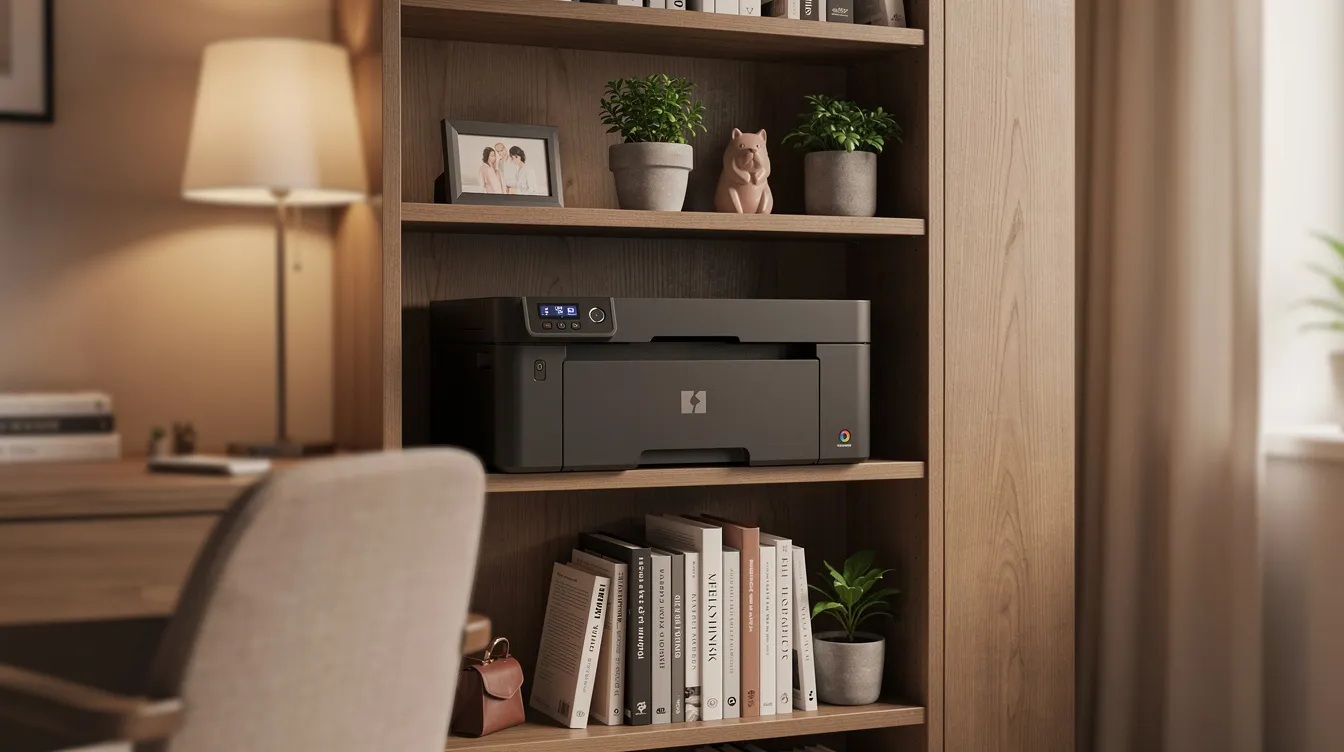
The Xerox C230 and C310 are the best compact color laser options for remote workers who need professional-looking charts, decks, and color documents without the hassle of an inkjet.
Xerox C230. A space-saving color printer that runs at up to 22 ppm on A4 with a duty cycle of 30,000 pages per month and a recommended monthly volume around 1,500 pages. If you print proposals, infographics, or training materials a few times a week, this handles it cleanly.
Xerox C310. A step-up model with faster speeds around 33–35 ppm, a higher duty cycle (up to 80,000 pages/month), and better suited for home-based businesses that print color frequently. This is the color printer for someone who sends out branded reports or marketing pieces daily.
Color laser toner resists smudging, doesn’t dry out between uses, and delivers more predictable operating costs than inkjet cartridges for business graphics. Compare that to something like the Epson EcoTank ET-2800, which can print up to 4,500 black pages (or up to 20,000 pages per refill with its tank system) – impressive on raw yield, but inkjet print quality on plain paper still can’t match laser for sharp text and crisp color charts, and technicians servicing these alternatives often rely on a comprehensive laser printer service manual to keep them running.
- Quiet operation during color runs
- Sharp color output for client-facing visuals
- Better reliability than consumer inkjet alternatives
- Strong wireless features including Apple AirPrint and Mopria
Who Should Choose a Color All‑in‑One? (Xerox C235 & C315)
The Xerox C235 and C315 are best for home-based business owners and managers who need both color printing and robust scanning in one device. MFPs print, copy, scan, and fax from a single machine, and these two deliver the full array of features.
Xerox C235. A compact all in one color laser suited to hybrid pros who occasionally need to digitize documents into cloud storage or email. It shares the C230’s core print engine and adds a flatbed scanner, automatic document feeder, and fax. Many Xerox models support cloud-based platforms for document management, and the C235 makes that practical at home.
Xerox C315. A more powerful color MFP with print speeds around 35 ppm, a duty cycle up to 80,000 pages per month, and single pass duplex scanning for fast two-sided document capture. It weighs about 60 pounds, so it’s more of a credenza printer than a shelf printer – but it functions as a true home command center. Duplex scanning speeds things up considerably when you’re processing stacks of signed agreements.
Cloud-connected features include scan-to-email, scan-to-cloud drives, customizable shortcuts on the control panel, and secure print release. For comparison, the Brother MFC-L3780CDW has a recommended duty cycle of 4,000 pages per month and costs about 2.9 cents per black page. The C315 supports a recommended 6,000 pages monthly, and similar third-party devices such as HP LaserJet Enterprise models often require a dedicated troubleshooting and repair manual to diagnose issues.
Clear Choice Technical Services can bundle these models with managed print services and remote IT support to offload firmware updates, supplies tracking, and troubleshooting. If you need something even larger for a growing team, check out the Xerox VersaLink C625 as a mid-range step up.
Comparison Table: Best Xerox Printers for Work From Home
Here’s a quick side-by-side to help you decide. Use it alongside the detailed breakdowns above.
| Xerox Model | Function | Color / Mono | Speed (PPM) | Best WFH Use Case |
| B230 | Print Only | Monochrome | Up to 34 ppm | Budget mono text, limited desk space |
| B235 | All-in-One | Monochrome | Up to 34 ppm | Solo pros scanning contracts and receipts |
| B310 | Print Only | Monochrome | Up to 40 ppm | High-volume black and white documents |
| B315 | All-in-One | Monochrome | Up to 40 ppm | Heavy scanning, signing, faxing from home |
| C230 | Print Only | Color | Up to 22 ppm | Presentation decks, light color work |
| C235 | All-in-One | Color | Up to 22 ppm | Occasional color scanning and printing |
| C310 | Print Only | Color | Up to 35 ppm | Frequent color reports and marketing |
| C315 | All-in-One | Color | Up to 35 ppm | Complete remote executive desk setup |
Choosing the right printer depends on document workflow needs. If you’re unsure which column you fall into, Clear Choice can help you match a model to your workload and space constraints. Many remote office printers feature duplex printing to save paper, and every model here supports automatic two sided printing.
Maintenance & Practical WFH Tips for Xerox Laser Printers
Laser toner is a dry powder. It doesn’t dry out like inkjet cartridges, it doesn’t clog nozzles after a week off, and it stores for months without losing print quality. That alone makes laser a better fit for anyone who prints in bursts rather than every day.
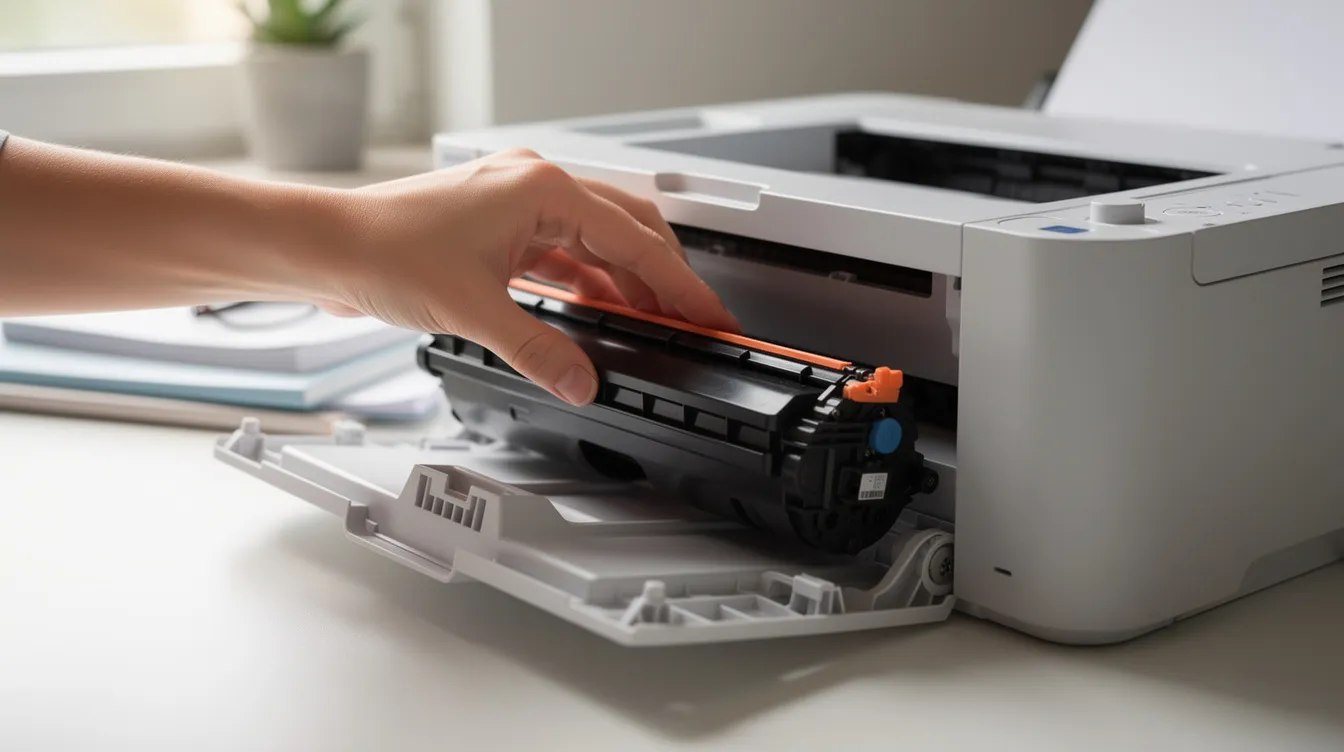
Toner longevity. Xerox printers feature high-capacity toner cartridges for fewer interruptions. High-capacity toner cartridges reduce supply management time – you’ll replace toner less often than you’d replace standard cartridges or ink in an inkjet. Remote office printers support high-capacity toner cartridges across both the B and C lines.
Quiet mode. Most Xerox B and C models have an eco or quiet mode that slows the motor and fan slightly, cutting noise during video calls. It won’t win you speed records, but it keeps your colleagues from hearing your printer on Zoom.
Paper management. The standard 250-sheet tray on most models means you’re refilling paper maybe once or twice a month at typical home office volumes. Use 20 lb bond / 75 gsm paper for best results and fewer jams.
Quick maintenance tips: even robust devices occasionally need expert help, and our experience fixing power issues on Xerox Altalink systems shows how much downtime the right diagnosis can prevent.
- Update firmware when prompted – it patches security and fixes bugs
- Change the default admin password on your printer’s web interface
- Print a few pages weekly to keep the fuser and rollers in good shape
- Consider a service contract if you’d rather not troubleshoot on your own
The Brother MFC-J1010DW is a budget-friendly all-in-one printer that includes automatic two-sided printing, but its inkjet engine still suffers from the drying-out problem laser users avoid entirely—similar to concerns raised in our HP LaserJet 3055 warning and review about long-term reliability.
How to Set Up Xerox Wi‑Fi Direct for WFH (No Router Needed)
Wi-Fi Direct lets your laptop or phone connect straight to the printer without going through a home router or corporate network. It creates a direct wireless link between your device and the printer – useful if your router is in another room or your company VPN blocks network printers.
Here’s how to set it up on most Xerox B and C Series models:
- On the printer’s control panel, navigate to the network or connectivity menu.
- Select Wi-Fi Direct and turn it on.
- Note the SSID (network name) and password displayed on screen.
- On your phone or laptop, open Wi-Fi settings and connect to that SSID.
- Enter the password when prompted.
- Add the printer through your operating system’s print settings (or use Apple AirPrint / Mopria to detect it automatically).
- Print a test page to confirm the connection.
Steps may vary slightly by model. Xerox’s official support pages have model-specific walkthroughs with screenshots. And if you’d rather not do it yourself, Clear Choice’s remote IT support team can walk you through the whole process in minutes – just call.
How to Choose the Best Xerox Printer for Your Home Office
The best Xerox printers for work from home come down to what you print, how often, and whether you need a scanner.
- If you just print text occasionally → B230. Compact, quiet, and cheap to run.
- If you scan and sign documents weekly → B235 or B315. An all in one that keeps employees productive without extra hardware.
- If you present in color to clients → C230 or C315. Professional color output that an inkjet can’t match on consistency.
Choosing the right printer depends on document workflow needs. Every model above has many benefits – fast print speeds, security features that protect sensitive documents on home networks, and the kind of reliability that keeps your workday moving.
Conclusion
The best Xerox printers for work from home come down to two questions: do you need color, and do you need to scan? Pick the B230 for fast, low-cost black-and-white printing, the B225 or B235 if you scan and copy, and the C230 or C235 if your work needs color. All five are wireless, compact and easy to set up without IT help.
We’ve taken the stress out of setting up a home office printer. Whether you need one Xerox B230 for your own desk or a copier lease in Chicago for your whole remote team, you get simple pricing and reliable service from a local team near the Chicago Riverwalk, backed by a nationwide network of offices listed on our Clear Choice Technical service locations page.
Call Clear Choice Technical Services of Chicago at (312) 216-0722 to find the best Xerox printer for working from home, with setup, supplies and support included.

